Who is RestocksAIO designed for?
RestocksAIO is for high-volume sneaker and streetwear resellers and registered businesses. They sell stock on several authenticated marketplaces at once and have outgrown spreadsheets and a wall of browser tabs. They manage hundreds of SKUs, reprice daily, confirm sales, and create invoices and shipping documents. If you resell a few pairs a month as a hobby, it's more than you need. If reselling is your daily work and pricing and paperwork take real hours, it's for you.
Is RestocksAIO only for sneakers?
No. RestocksAIO started with sneakers but now covers more: sneakers, apparel, electronics, luxury items and collectibles. It works wherever a supported marketplace handles them. The same tools work across those categories: inventory, listings, price comparator, documents and analytics. Sneakers have the deepest marketplace integrations and pricing signals, so that's where most sellers get the most out of it.
Which marketplaces does RestocksAIO support?
Standard and Premium cover StockX, Alias, Sneak.eu, WeTheNew, Hypeboost, Laced, LimitedResell, NordicSneakers, KICKS CREW, POIZON, Woovin and SneakerAsk. Marketplace and Premium cover eBay, Shopify, Vinted, Wallapop and Exposly. Cards is a separate group for Cardmarket and CardTrader, with one account each. Available actions depend on your account and the marketplace.
Why not just use each marketplace directly?
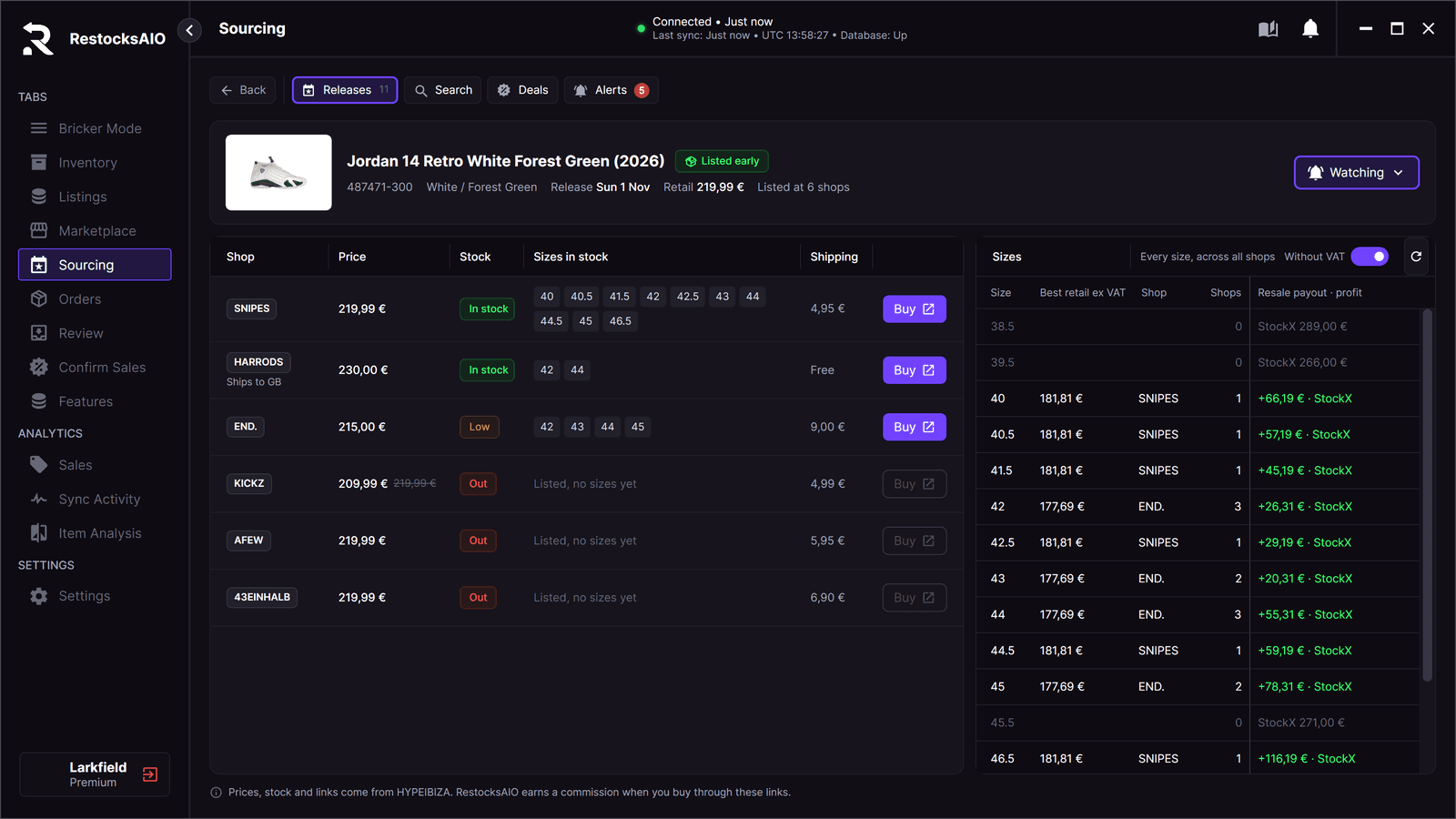
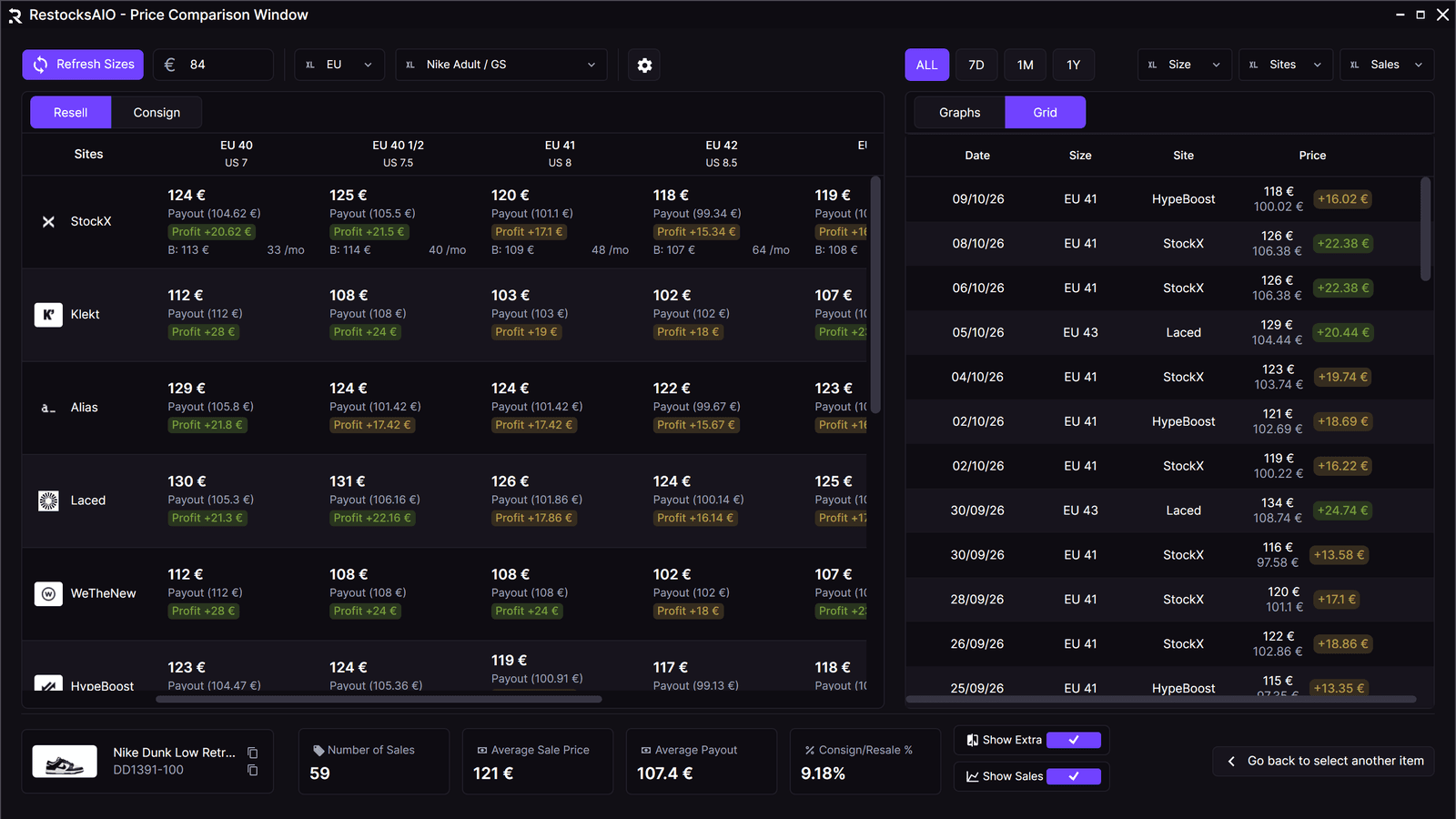
You can. But switching between tabs costs more time as you grow. You check each marketplace's lowest ask by hand and keep a spreadsheet in sync. You rebuild invoices and labels for each sale and pull the numbers together at the end of the week. All of that grows with your SKU count. RestocksAIO puts that work on one screen. Inventory stays linked to live listings, pricing uses real payout data, and documents are created from the sale that just closed. The marketplaces remain the system of record. RestocksAIO removes the repeated manual steps between them.
Does RestocksAIO handle business invoices and paperwork?
Yes. RestocksAIO creates the paperwork that follows a sale: invoices, entry certificates, thermal shipping labels and proof-of-delivery documents. It also schedules carrier pickups. Everything is built from your sales and business-profile data, so you don't copy and paste. It supports multiple business profiles and VAT-aware settings where configured, so registered, high-volume sellers keep their documents consistent. These document workflows are part of the Standard plan.
Is RestocksAIO a sneaker bot?
No. RestocksAIO is software for sellers. It isn't a checkout or 'cook' bot, and it never buys for you. It manages the selling side for stock you already own: inventory, listings, pricing, sale confirmation, documents and analytics. You control its pricing automation, Bricker Mode. It runs on the minimum payouts and rules you set, and always works within each marketplace's permissions and account rules.
Which plan includes Bricker Mode and automation?
Bricker Mode is a Premium feature. Premium also includes the other automation tools: the Offer Sniper and the Webhook API. The Seller Assistant, Sourcing, photo storage and the eBay, Shopify, Vinted and Wallapop tools are in Premium too. Standard covers the full daily work: inventory, listings, price comparator, barcode intake, confirm sales, documents and 12 resale marketplaces. Premium adds hands-off automation on top. Most sellers start on Standard and move up when pricing decisions and offers take more time than they're worth.
How do the free trials and pricing work?
Standard is €15/mo with a 7-day free trial. Premium is €30/mo (€20 for the first month) and starts as a 3-day setup sprint. You need a credit card to start, and you can cancel any time before a trial converts. The Premium sprint is capped at 5 Bricker tasks to keep trials fair. That's enough to connect one marketplace, verify one SKU and launch one safe Bricker task.
Can I sell on eBay and Shopify with RestocksAIO?
Yes. Connect an eBay seller account or your Shopify store, tick units in Inventory and publish them. You can save a draft first and go live later. Each listing stays linked to its units. When a unit sells on another marketplace, RestocksAIO lowers the eBay and Shopify quantity. The app must be open, and only linked units count, so this lowers the risk of a double sale but cannot remove it. The eBay and Shopify tools are included in Premium. They are in the new app for Windows and macOS, which you download from your dashboard.
Does RestocksAIO work on a Mac?
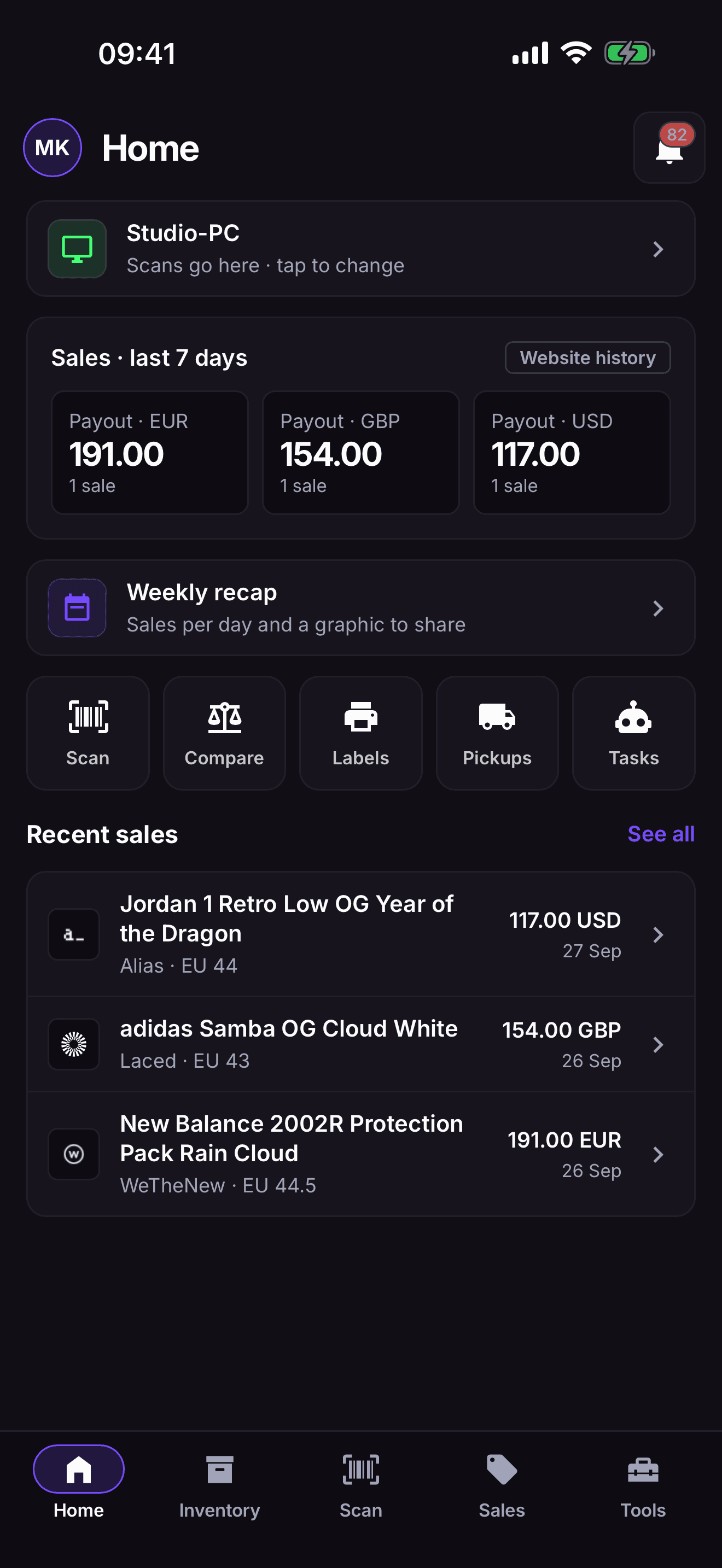
Yes. RestocksAIO is a desktop app for Windows and macOS. The Mac app is the same app as on Windows, with the same features. It runs on Apple Silicon and Intel and needs macOS 12 or newer. Your licence works on one computer at a time, so reset the HWID in the dashboard when you change computers. The Mac app is generally available, and you download it from your dashboard. It is part of every plan.
What are Price sync and on-demand (dropship) sizes?
Price sync sets your Shopify and eBay prices from a price you choose: a StockX price, your other store or your own cost. You add your markup and rounding. A rule shows its prices first and writes only after you activate it. An on-demand size is a size your Shopify store sells before you hold it. Some sellers call it a dropship size. RestocksAIO never buys for you. You buy the pair yourself after the sale. Price sync is included in Premium.
How do I get the new RestocksAIO app for Windows and macOS?
The new app is a separate download beside the current Windows app. You download it from your dashboard, for Windows or for macOS. The macOS app is part of every plan. Three facts matter before you start. Use one app at a time: close the new app before you start the current one. Unpack the new Windows app into its own folder, and do not start it from inside the ZIP. At its first start, select the folder of your current app. The new app copies your data from it and leaves the current app unchanged. After that, each app keeps its own data.