The first ten minutes after the same pair sells twice
Two sales can land on one owned unit. In the first ten minutes, keep one confirmed unfulfilled sale on that unit and check sibling-listing cleanup.
 The RestocksAIO teamOperators, not flippers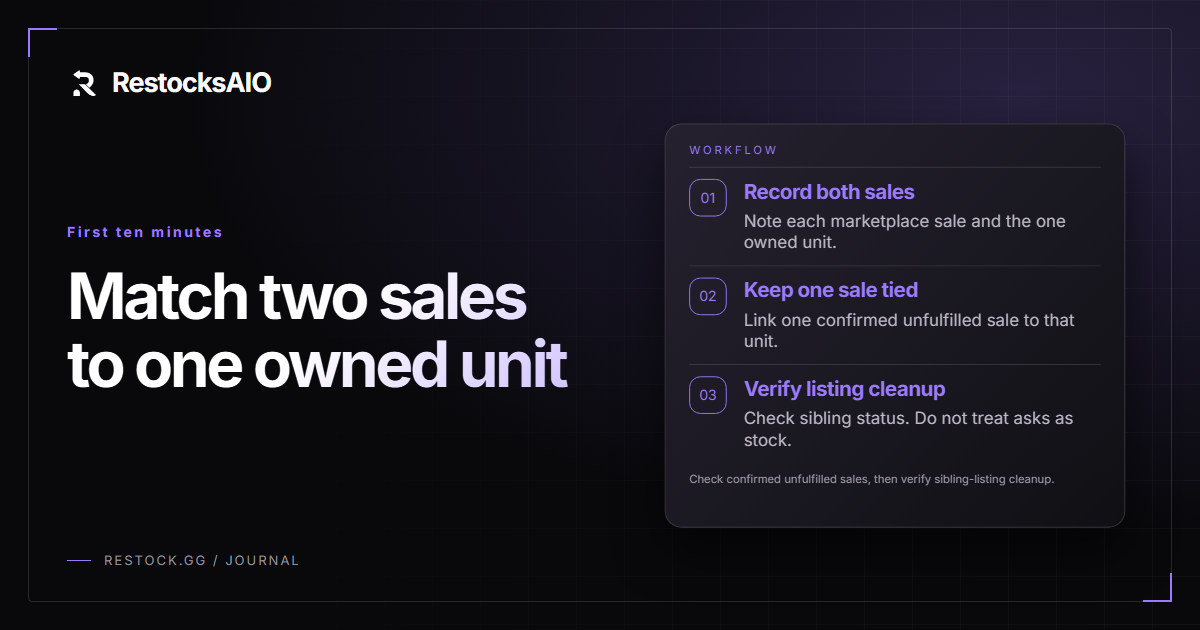
Start from the two sales and the one unit
Your input is two sale records for the same owned unit, plus that unit's linked listings. A live ask is not a second pair.
Write down each marketplace and each sale before you change anything. Then write the single owned unit both sales point at.
One owned unit can have several linked listings on purpose. The count of listings is not the quantity you sold.
This pass is not the daily stock check in daily operations. It is the immediate check after two marketplaces have already sold the same unit.
Check confirmed unfulfilled sales against the unit
Check which of the two sales are confirmed and still unfulfilled. A pending sale is not the same record as a confirmed unfulfilled sale.
Match those confirmed unfulfilled sales to owned units. If both sales name the same unit, you still have one unit.
Keep one confirmed unfulfilled sale tied to that unit. Leave the other sale unmatched until you know it has its own unit.
You do this match by hand. Sale confirmation can load pending sales in one place, and a monitor can confirm where you turned that on. Neither step creates a second owned unit.
If the second sale stays unmatched, stop this pass there for stock. Do not add a unit so the two sales both have a home.
Verify sibling-listing cleanup without taking listings down
After a sale, check whether sibling listings were cleaned up. Open the linked listings for that unit and read each status.
Supported sync can keep listing status together after a detected sale. Your job in these ten minutes is to verify that result, not to invent a manual takedown.
- Read each sibling listing and note if it is still live.
- If a sibling is still live, keep that note on the unmatched sale.
- Do not delete valid cross-listings only because the number of asks is higher than the owned quantity.
A listing that is still live is a status to check. It is not proof you own another pair. How to design listings so siblings stay linked is covered in avoiding overselling across marketplaces.
Use the result without freeing the unit
The result you want is one confirmed unfulfilled sale on one owned unit, plus a clear note if sibling cleanup is still open.
Do not use payout, a label, or an invoice to decide the stock. Marking a sale paid or pending does not add a unit. Generating paperwork does not put the pair back on the shelf.
Account sales are the marketplace records. Inventory sales are the records from your own stock. Read both, then keep the stock decision on the owned unit.
Restore availability only after a confirmed cancellation, or after a return you have in hand and have checked. Until one of those two facts is true, the sold unit stays unavailable.
Automation can sync status and confirm a sale. You still decide which confirmed unfulfilled sale belongs to the one owned unit.
Related reading
All articles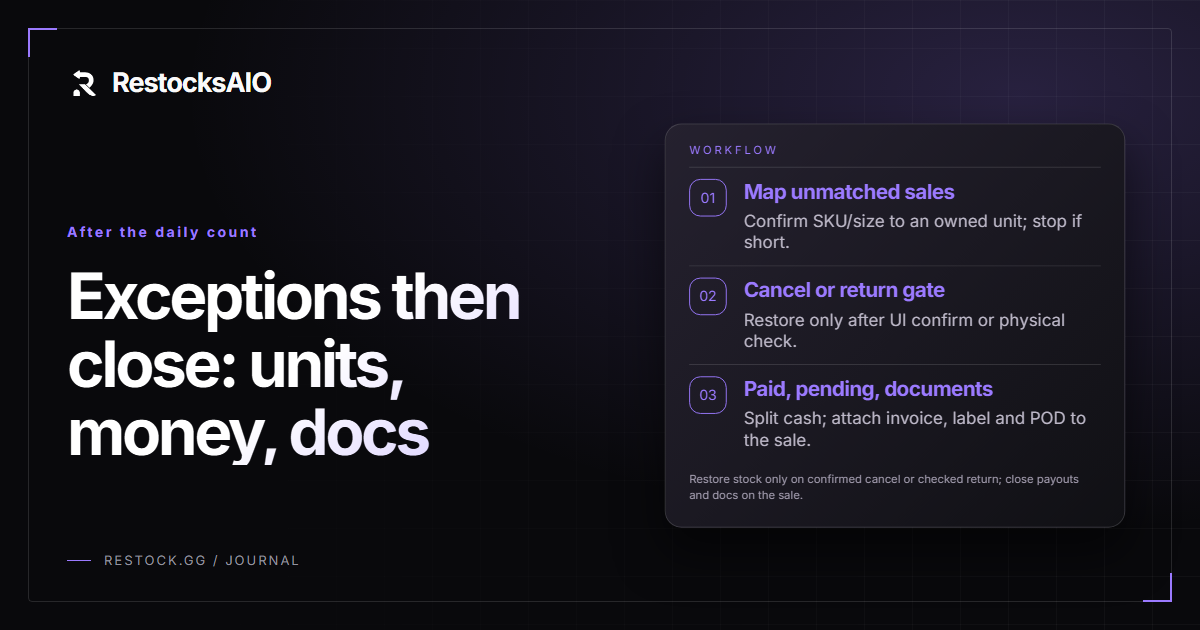
Daily operations: keep owned stock, listings, payouts and documents in agreement
A reseller checklist that reconciles owned units against confirmed unfulfilled sales, verifies sibling-listing cleanup, separates paid from pending payouts, and generates sale-linked invoices, labels and proof of delivery.

How to avoid overselling when you list on five marketplaces
Overselling is the most expensive mistake in multi-platform reselling. Here is how to design it out structurally instead of catching it after the second order lands.