Choose the complete reseller operating system, focus on one recurring workflow, or check how the shared catalogue fits the category you sell. Each path states where marketplace eligibility and account permissions still apply.
Three ways in: run the whole operation, solve one workflow job, or work a specific product category. Only the branch you are on expands.
 Complete operation
The whole daily operation in one pane - for operators who've outgrown tabs and spreadsheets.
OpenOwned stock, active listings, grouped SKUs and barcode intake - connected to where stock sells.
Open Listing workflowBuilt for authenticated resale - payout logic and eligibility, not generic cross-posting.
Open Pricing workflowBricker Mode with payout floors and controller rules - competitive pricing that protects margin.
Open Document workflowInvoices, labels, entry certificates, POD and pickups - the paperwork after every sale.
Open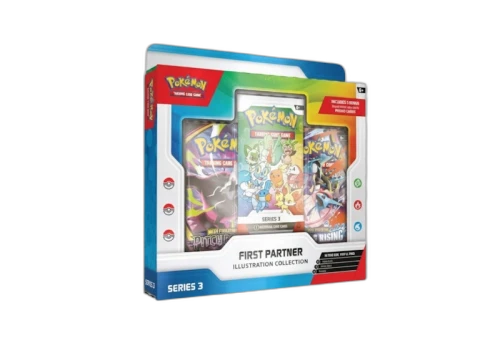 Item category
Group card inventory, then connect only the listings, pricing and sales the marketplace catalogue and account support.
Open Item category
Lego, figures and Funko in one grouped catalogue, with StockX actions only where product and account eligibility allow.
Open Item category
Run StockX electronics inventory, listings, repricing, payouts and shipment documents together.
Open Item category
Compare observed Resale and Consign outcomes for eligible high-value stock, then keep listings, payout floors and sale documents together.
Open Item category
Footwear, clothing and accessories in one resale catalogue, with apparel size-chart context for eligible marketplace listings.
OpenSee inventory, marketplace checks, pricing decisions and post-sale work side by side.
CompareReview current plan availability only after identifying the operation, workflow and marketplace actions you need.
