Daily operations: keep owned stock, listings, payouts and documents in agreement
Listing count is not stock. One owned unit can have several linked marketplace listings on purpose. Each day, reconcile confirmed unfulfilled sales against owned units, then close payouts and paperwork without putting a sold unit back on the shelf.
 The RestocksAIO teamOperators, not flippers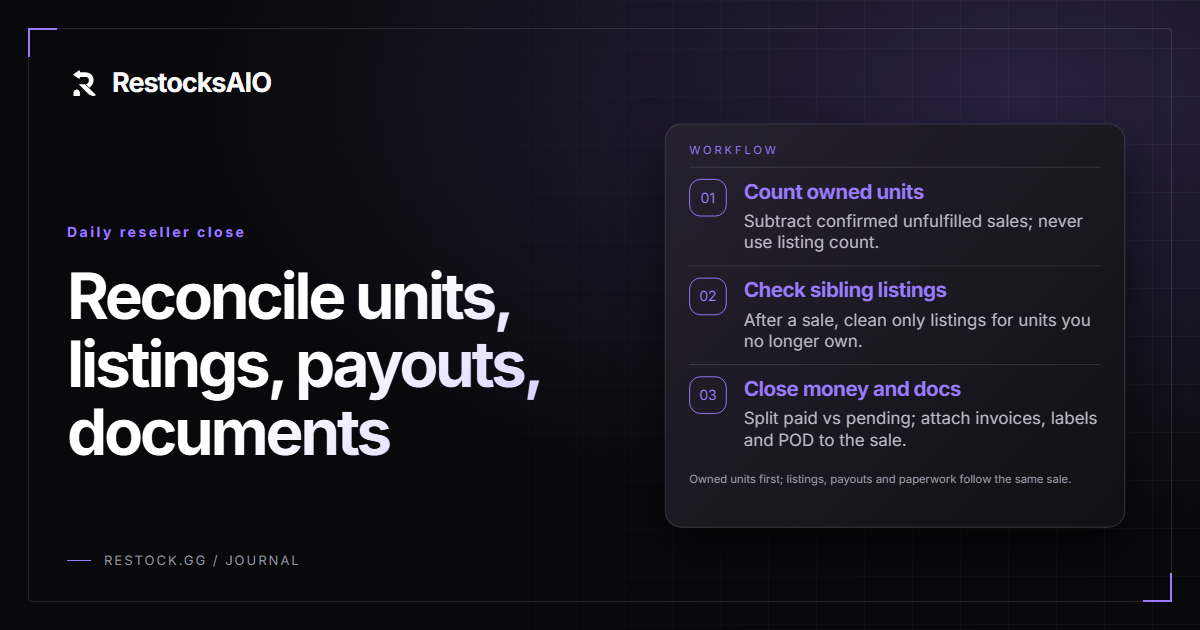
What must stay in agreement
Treat owned units as the source of truth. Live asks, listing count and the sum of marketplace quantities are not committed or sold quantity. A sale is only a stock event after it is confirmed and unfulfilled. Completing payout, invoices or fulfilment never makes that unit available again. Restore availability only after a confirmed cancellation or a physically received and checked return.
Automation can load pending sales, keep linked listings grouped, and generate documents from sale data. Manual checks still own physical counts, return inspection and any marketplace screen that the software does not write. Do not delist valid cross-listings merely because offers exceed stock. For the listing model, see how to avoid overselling when you list on five marketplaces.
Daily reconciliation checklist
Run this ordered list once per operating day. Each step names the input, what to check and what to do with the result.
- Owned units vs confirmed unfulfilled sales. Input: inventory quantity plus the day’s confirmed, not-yet-shipped sales. Check that remaining available units equal owned minus those sales. If a unit is short, stop listing and fulfilment on that SKU/size until the physical count matches. If a unit is long, do not add availability until you find a missed cancellation or a received return.
- Sibling-listing cleanup after a sale. Input: the sold owned unit and its linked listings. Check that remaining live listings still describe leftover owned units, not the sold one. If a sibling listing is still live for a unit you no longer own, remove or pause that listing. Leave other valid cross-listings in place.
- Paid vs pending payouts. Input: Account Sales from platforms and Inventory Sales from your stock. Check which sales are marked paid and which are pending. Use pending as a cash-flow signal only; never treat a pending payout as a reason to restock the sold unit.
- Sale-linked documents. Input: confirmed sales with carrier and business-profile data. Check invoices, labels and proof of delivery against the same sale record. Generate missing invoices from eligible paid sales, generate labels from confirmed sales, then pull POD after the supported shipping steps. Archive documents next to the sale; do not rebuild them from a blank template.
Manual checks versus automation
Use monitors and confirm-sales workflows to load pending marketplace sales and, where you enable them, auto-confirm. Use grouped inventory views to see linked listings. Use sales and payout tracking to mark paid versus pending. Use invoice, label and pickup/POD tools only on the sale they belong to.
Keep humans on: counting boxes, inspecting returns before restoring quantity, confirming a cancellation in the marketplace UI when the feed is unclear, and refusing to treat listing count as stock. If a return arrives, check the physical item first, then restore availability. If a cancellation is confirmed, restore only that unit—not a generic quantity bump.